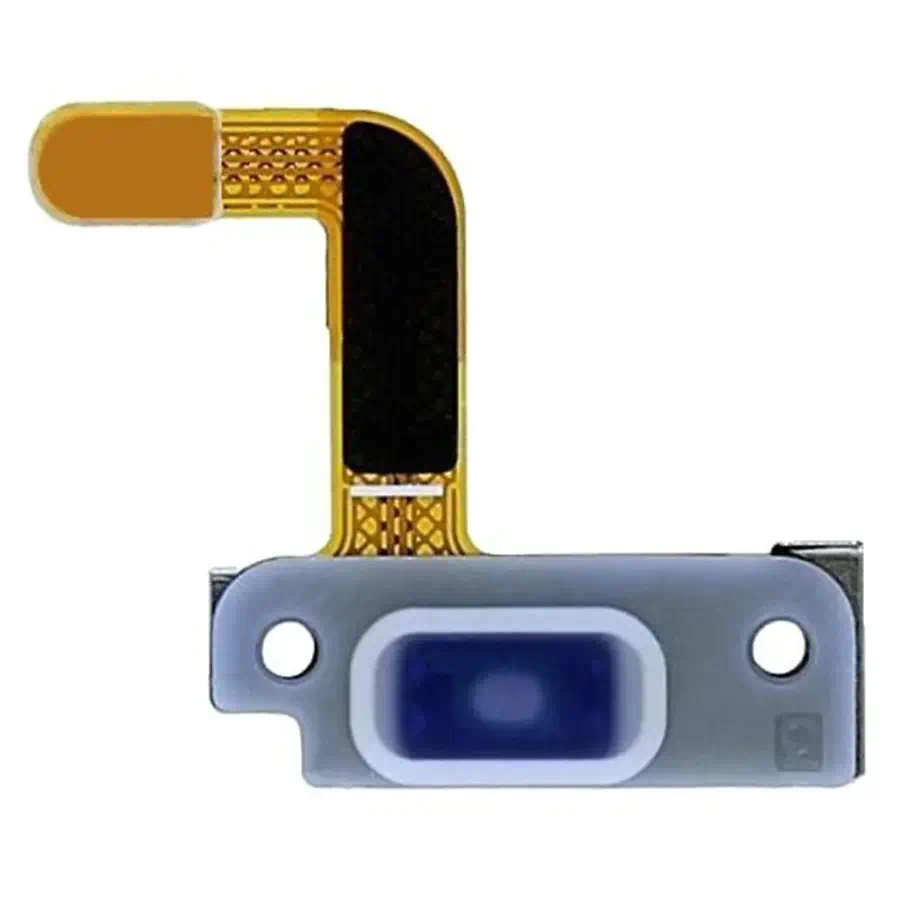
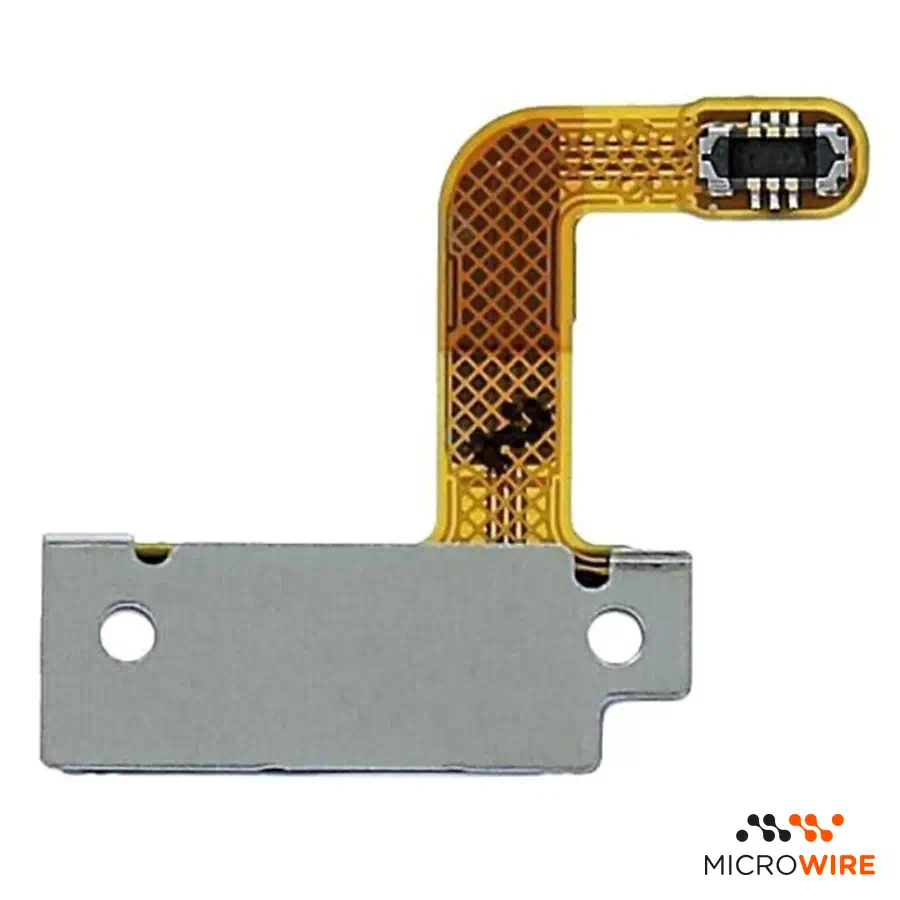
Samsung Galaxy S21 Ultra Power Button
3.87€
In Stock Estimated Delivery: Wednesday, October 28th
Descontos por Quantidade
Why Choose Us?

Samsung Galaxy S21 Ultra Power Button: Immediate Response for Turning On and Off
The Samsung Galaxy S21 Ultra power button restores tactile activation and device control. This original Samsung part ensures a correct fit on the side of the mobile phone, returning the functionality of turning on, turning off and suspending the screen.
Technical Specifications
- Part type: Power Button
- Compatibility: Samsung Galaxy S21 Ultra (SM-G998B, SM-G998B/DS, SM-G998U, SM-G998U1, SM-G998W, SM-G998N, SM-G9980)
- Part code: GH59-15426A
- Quality: Original — Pulled
When to Replace
- The mobile phone does not turn on or unlock when pressing the button — confirm the diagnosis
- The side key has lost its tactile click and gets stuck in the frame
- The button is damaged, scratched or broken after a drop
- It is necessary to press too hard to activate the equipment
Notes for the Technician
- Test before applying: connect the part to the equipment and confirm its operation before fixing or gluing it definitively. Thus, if there is any problem, the return or warranty is handled quickly and simply.
- Installation difficulty: Medium
- Access requires prior disassembly of the back cover and internal covers of the mobile phone
- Remove dirt residue in the housing of the bezel before placing the new part
- Adhesive tape or fixing glue sold separately
What Distinguishes This Version
This is a unit removed from functional equipment, manufactured by the brand with the exact materials and dimensions of the chassis. It is the most recommended solution for technicians looking for a perfect finish without compromising the side aesthetics of the device.
Frequently Asked Questions
Is reference GH59-15426A compatible with other models of the S21 series?
This part was designed specifically for the Samsung Galaxy S21 Ultra, and may have different dimensions and fixations from the standard S21 or S21 Plus versions.
Does this component solve missing click issues?
Yes, if the problem is mechanical in the external key. If the internal electronic switch does not respond even when actuated, you must also check the corresponding internal flex.
- Component Type
- Flex
- Quality
- Pulled Which quality is right for you? Guide
- SKU
- GH59-15426A