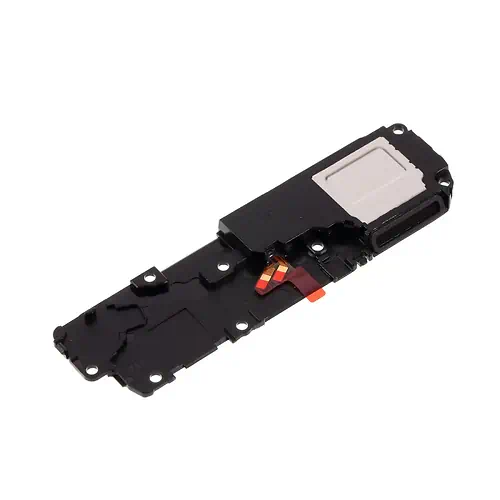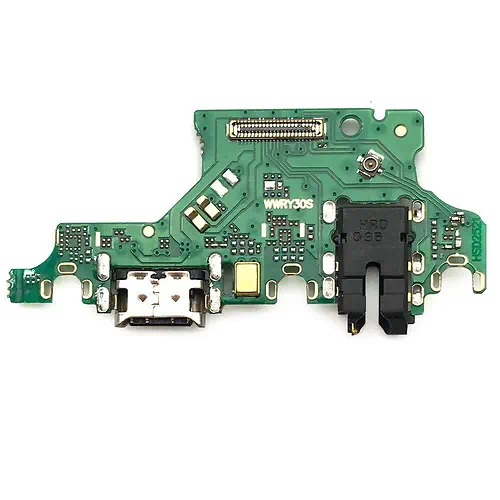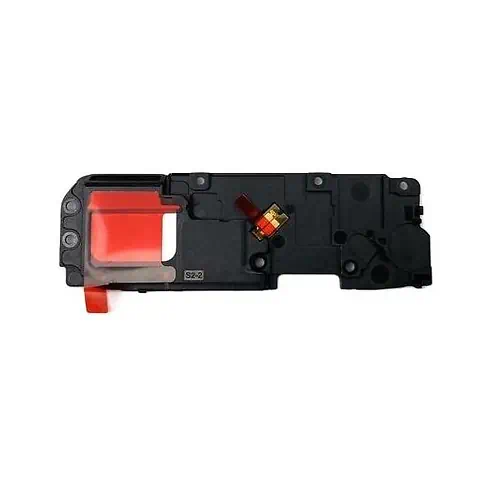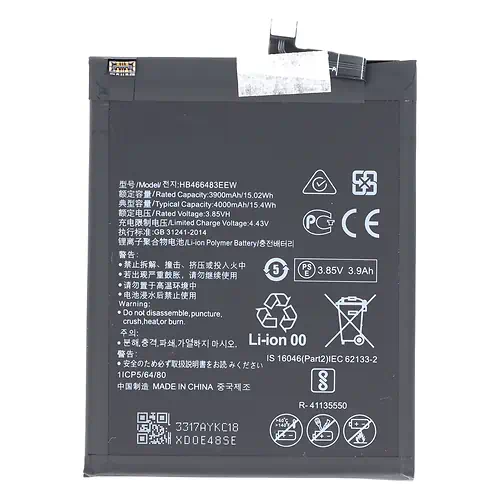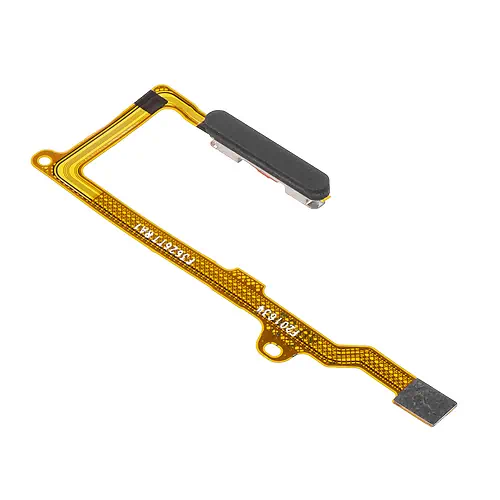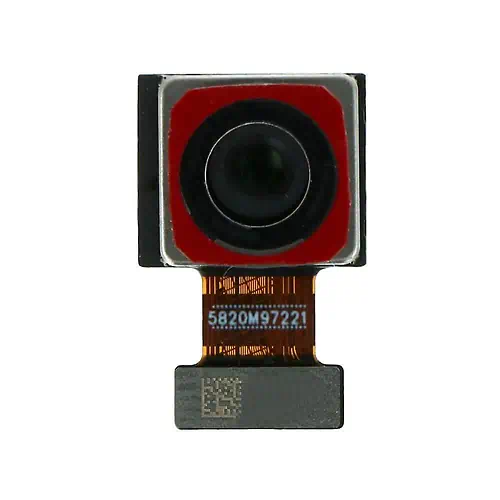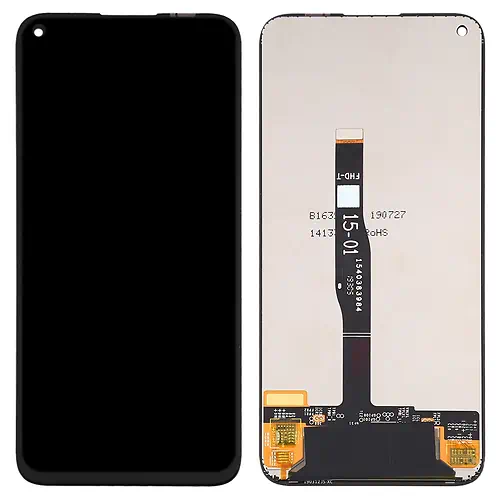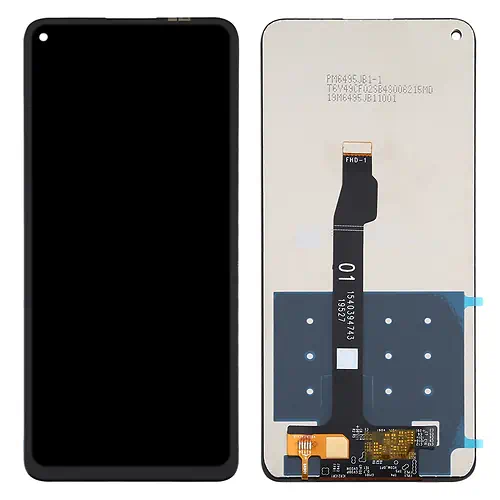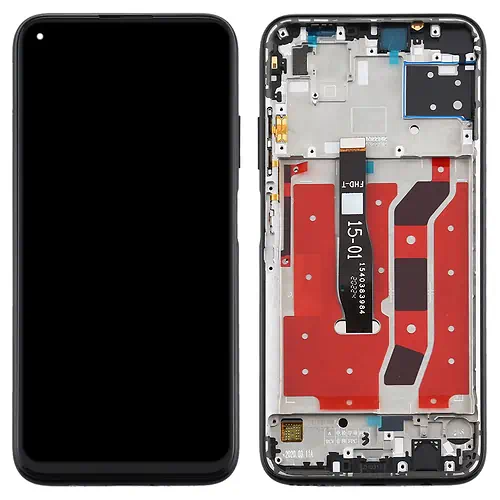
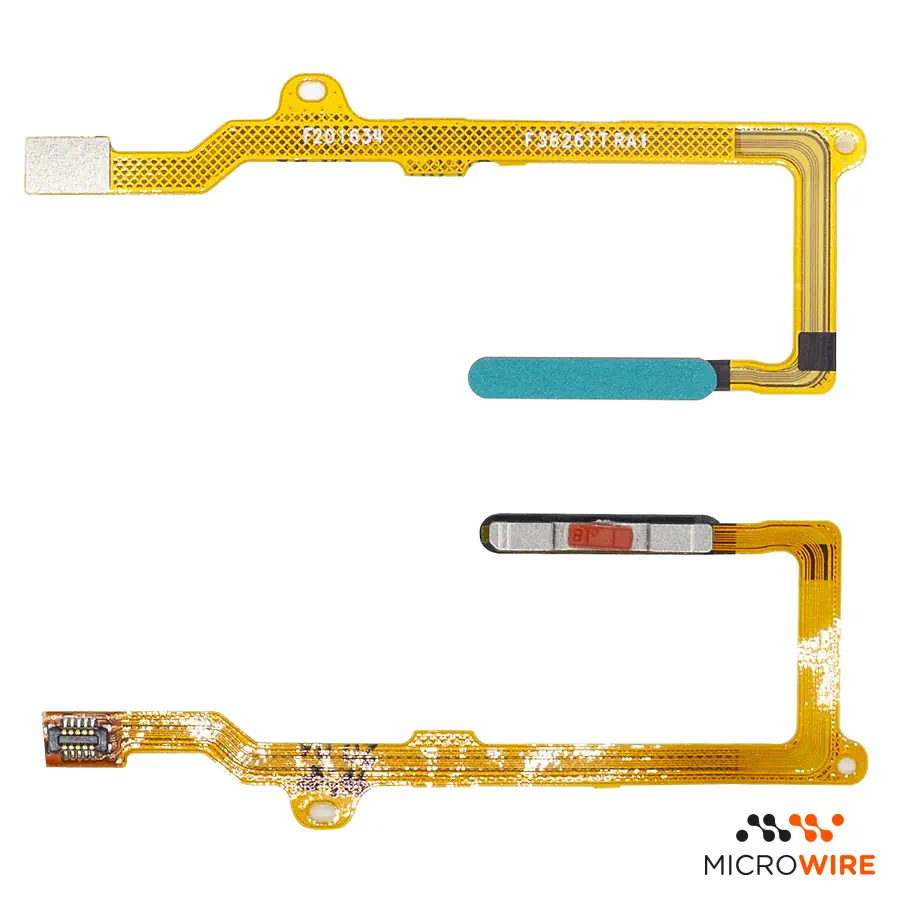
Huawei P40 Lite Green Fingerprint Sensor
4.90€
In Stock Estimated Delivery: Friday, October 30th
Why Choose Us?

Fingerprint Sensor for Huawei P40 Lite: Effective Biometric Reading
This fingerprint sensor for the Huawei P40 Lite restores biometric reading and fast device unlocking. The side biometric reader integrated into the button is the right part to replace the faulty component while maintaining the Green colour matching the structure.
Technical Specifications
- Part type: Fingerprint sensor with integrated flex
- Compatibility: Huawei P40 Lite (JNY-L21A, JNY-L01A, JNY-L21B, JNY-L22A, JNY-L02A, JNY-L22B)
- Colour: Green
- Quality: Premium
When to Replace
- The side biometric reader does not recognise any saved fingerprints.
- The option to set up a fingerprint appears disabled or inaccessible in the system — confirm the diagnosis.
- The mobile phone does not respond to touch on the sensor to unlock the screen.
- The sensor flex cable was damaged or torn during a previous intervention.
Notes for the Technician
- Test before applying: connect the part to the device and confirm it works before fixing or gluing it permanently. This way, if there is any issue, the return or warranty is handled quickly and simply.
- Repair difficulty: Medium.
- The intervention requires careful removal of the back cover using gentle heat so as not to damage the side flex.
- Disconnect the battery before handling or unplugging the biometric reader connector on the motherboard.
- Adhesive for closing the back cover sold separately.
- Check the operation of the biometric reading in the system settings before finishing gluing the device.
What Distinguishes This Version
This part belongs to the Premium quality level, being the best compatible alternative available in the replacement market. It is the suitable choice for technicians who want a reliable and lasting repair for the demanding customer.
Frequently Asked Questions
Is this sensor compatible with the Huawei P40 Lite 5G?
No, this part is intended only for the Huawei P40 Lite (4G), which has a different internal layout and dimensions from the 5G version.
Is it necessary to recalibrate the biometric reader by software after installation?
No external calibration tool is required; simply register the fingerprints again in the device's security settings.
- Component Type
- Flex
- Model
- Galaxy A14
- Quality
- Premium Which quality is right for you? Guide
- SKU
- HW-P40L-FP-GR