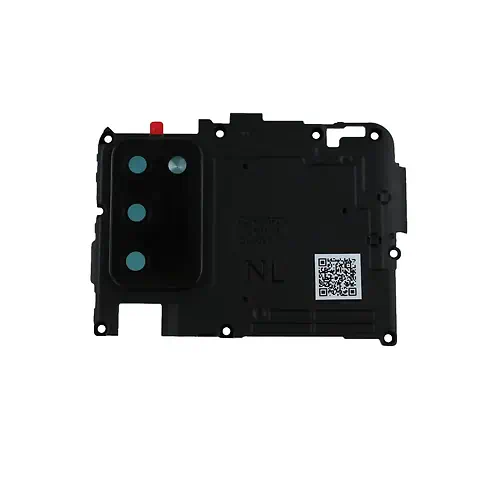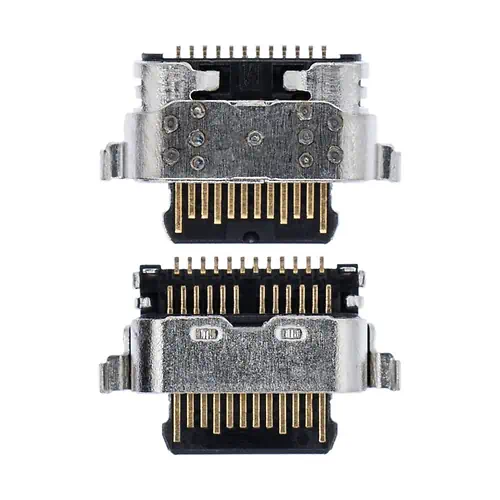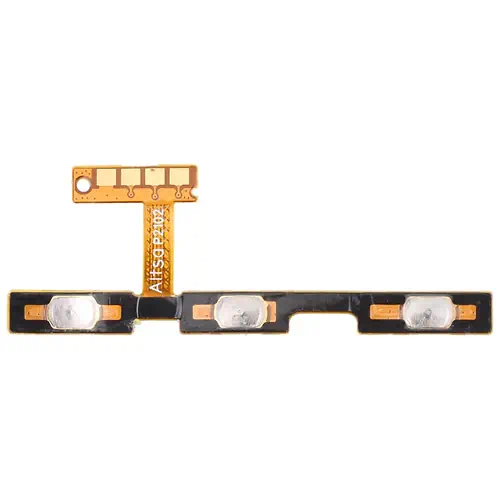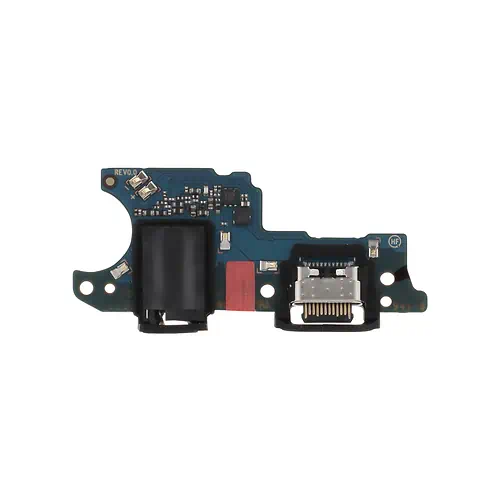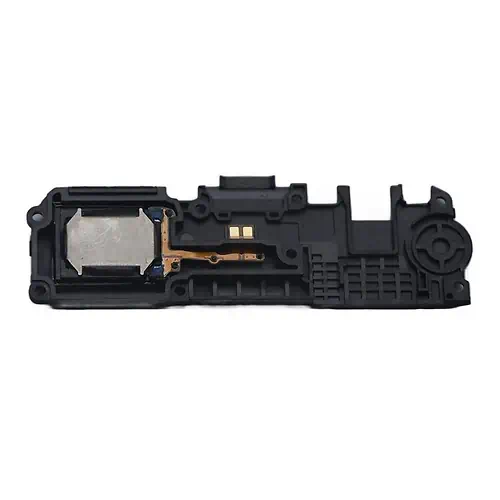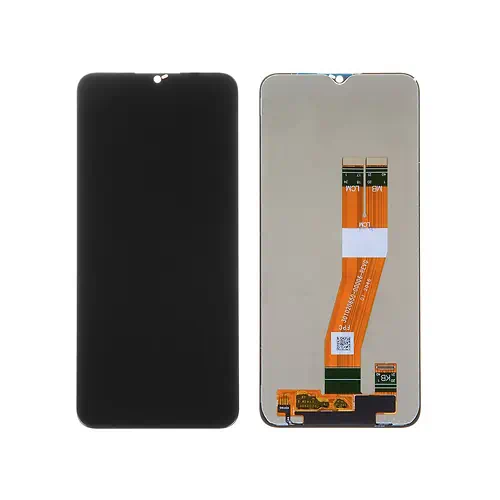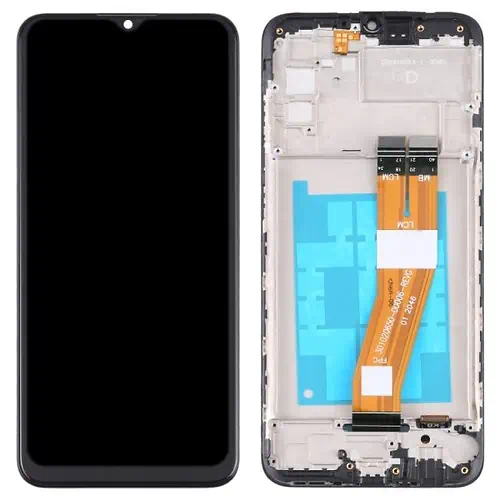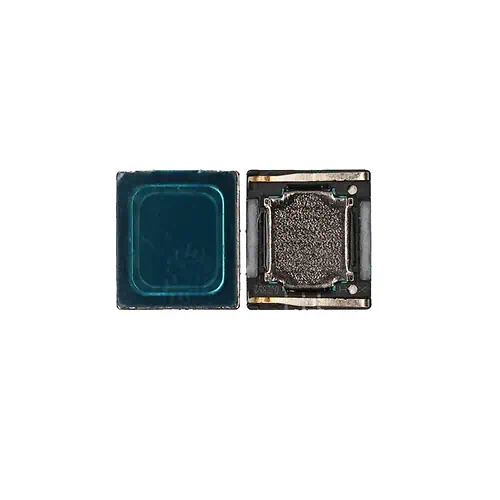
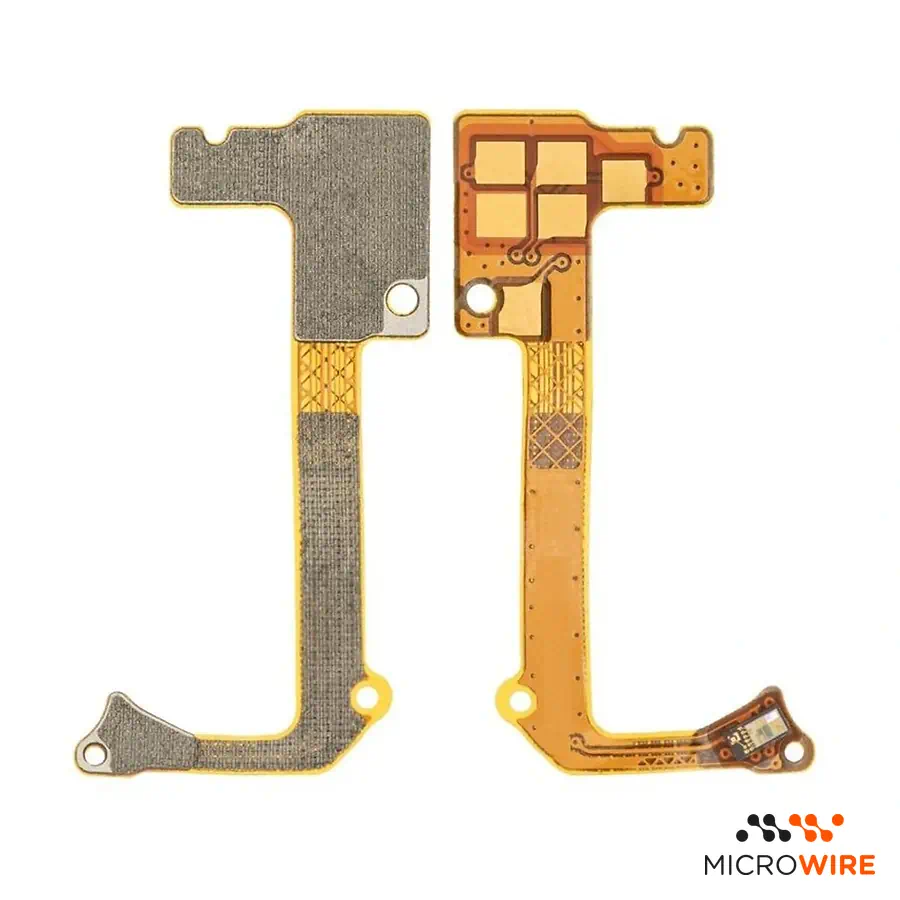
Samsung Galaxy A02S Proximity Sensor
2.99€
In Stock Estimated Delivery: Thursday, October 29th
Descontos por Quantidade
Why Choose Us?

Samsung Galaxy A02s Proximity Sensor: Screen Disabling During Calls
The proximity sensor for the Samsung Galaxy A02s restores proper detection when bringing your face close to the phone. This proximity module ensures the display turns off during communication, preventing accidental touches on the interface.
Technical Specifications
- Part type: Proximity sensor
- Compatibility: Samsung Galaxy A02s (SM-A025F, SM-A025G, SM-A025M)
- Quality: Compatible
When to Replace
- The screen does not turn off when holding the phone to your ear during a call.
- The display turns off immediately upon starting a call and does not turn back on — confirm the diagnosis.
- Accidental touches happen on the screen with your face during conversations.
- Intermittent failures in brightness or proximity detection at the top of the device.
Notes for the Technician
- Test before applying: connect the part to the equipment and confirm it works before fixing or gluing it permanently. Thus, if there is any issue, the return or warranty is handled quickly and simply.
- Installation difficulty: Medium.
- The intervention requires removing the back panel and the upper shield to access the motherboard.
- Always disconnect the battery before handling or unplugging this component's connector.
- Make sure the plastic guide and the insulation rubber near the frame are clean and aligned for reliable readings.
What Distinguishes This Version
This compatible part was selected to ensure an economical and functional repair with reliable response. It is the suitable choice for technicians who want to restore normal call behavior to the equipment.
Frequently Asked Questions
Is this proximity sensor compatible with all Galaxy A02s variants?
Yes, it is compatible with the SM-A025F, SM-A025G, and SM-A025M versions of the Samsung Galaxy A02s.
Is it necessary to calibrate the sensor after installation?
Normally, recognition is automatic after booting the phone; it is recommended to make a test call to validate screen disabling.
- Component Type
- Flex
- Quality
- Pulled Which quality is right for you? Guide
- SKU
- SP-SGA02S