
Essential Anti-Static (ESD) Precautions for Smartphone Repair

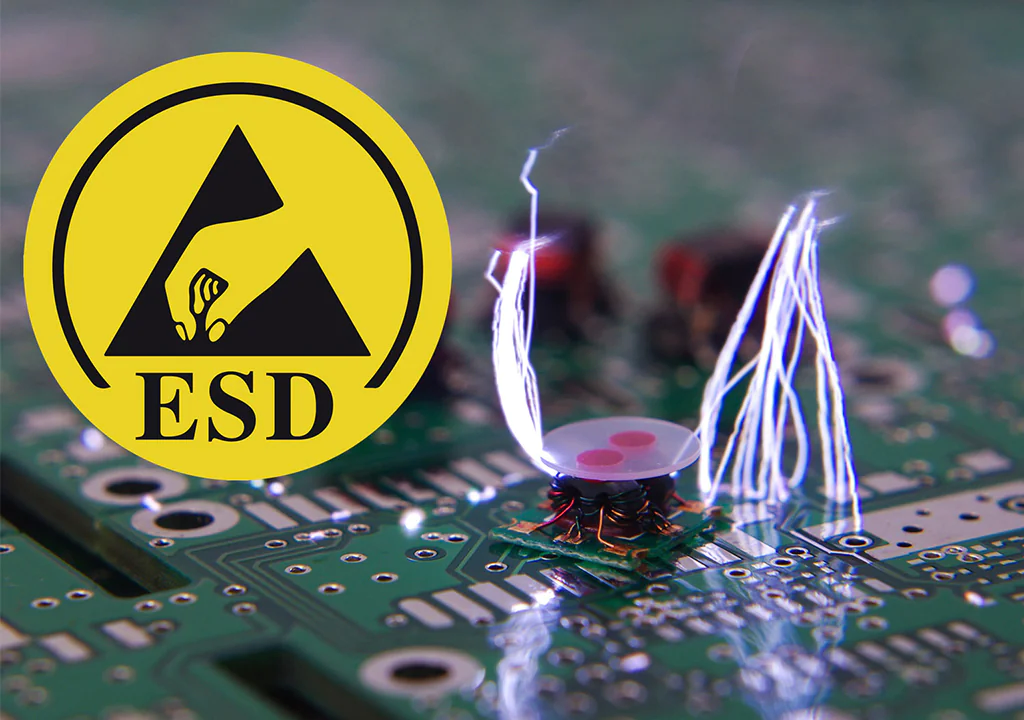
The Invisible Enemy: What is Electrostatic Discharge (ESD)?
When you venture into repairing a smartphone, there's a silent, invisible danger that can turn a simple battery or screen replacement into a total disaster: Electrostatic Discharge (ESD). ESD is the sudden release of static electricity between two objects. Although the spark is often too small to see or feel, it's more than enough to permanently damage the sensitive microelectronic components of your device. At Micro Wire, we believe that repairing is the way to go, and mastering ESD safety is the first step to becoming a true expert and extending the life of your gadgets.
Why is ESD so Dangerous for Smartphones?
A human only feels a static discharge above 3,000 volts. However, a sensitive electronic component, like a processor or a memory module, can be damaged by a discharge of just 10 volts. This damage, known as 'latent damage,' may not be immediate. Your phone might work perfectly after the repair, only to fail days or weeks later due to a component weakened by ESD. Protecting against ESD is not an option; it's an absolute necessity.
Your Anti-Static Arsenal: Essential Tools
Creating a safe working environment (ESD Safe Area) is simpler than it sounds. With a few key tools, you can dramatically reduce the risk of damage. These are the essential components we recommend.
1. Anti-Static Wrist Strap
The most important tool. It connects you to a common ground point, ensuring that any static buildup in your body is safely discharged, keeping you at the same electrical potential as the device you're working on.
2. Anti-Static Mat (ESD Mat)
Provides a safe work surface to place your smartphone and its components. The mat is conductive and should be connected to the same ground point as your wrist strap, creating a fully protected work zone.
3. ESD Gloves or Finger Cots
Besides protecting against ESD, they prevent oils and dirt from your fingers from contaminating delicate components and motherboard connectors. They are a valuable extra for any professional repair.
Step-by-Step Guide: Safe Component Handling
Step 1: Prepare the Workspace
Work on a hard surface, avoiding carpets or fabrics that generate static. Place your ESD mat and connect it to a ground point (like a metal part of a radiator or the metal casing of a power outlet).
Step 2: Ground Yourself Properly
Put the anti-static wrist strap on your wrist and connect the other end to the same ground point as the mat. Make sure the strap is snug and in direct contact with your skin.
Step 3: Handle Components by the Edges
Whenever you pick up a circuit board or other sensitive component, hold it by its edges. Avoid touching the gold connectors or the chips. Keep components in anti-static bags until you are ready to install them.
Step 4: Avoid Static-Generating Clothing
Clothes made of wool, silk, or other synthetic fabrics can generate a significant amount of static electricity. Opt for cotton clothing to minimize the risk during repair.
Repair with Confidence, Repair for the Future
Mastering anti-static precautions is a fundamental skill that separates amateurs from professionals. By following these guidelines, you not only ensure the success of your repair but also contribute to the circular economy by preventing electronic waste. At Micro Wire, we provide not only the highest quality components and tools but also the knowledge for you to repair with maximum safety and efficiency. Repair instead of buying new – the planet and your wallet will thank you.